
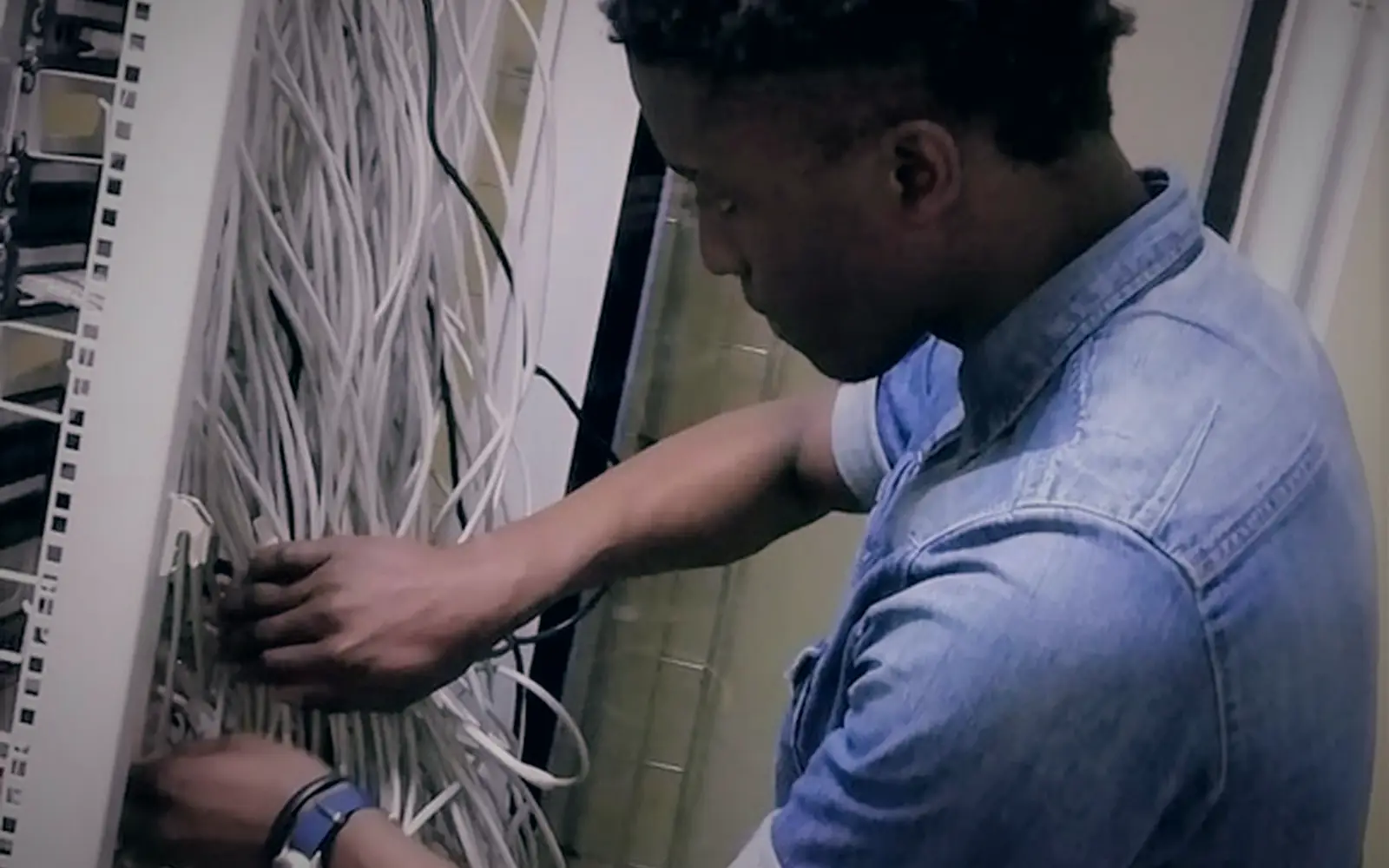
Every device, its user and its warranty, in the same register finance uses
IT teams track devices for support and security; finance tracks them for depreciation. When those are two lists, joiners get the wrong laptop and leavers keep theirs. FixedAsset Pro keeps the device, its custodian, its warranty and its book value on one record, and gives IT the administration of the application itself.
The questions this role asks
- Which devices does this employee hold, and did they return them on leaving?
- Which laptops go out of warranty next quarter?
- Where is each server and network device, and who is responsible?
- Which software licences expire soon?
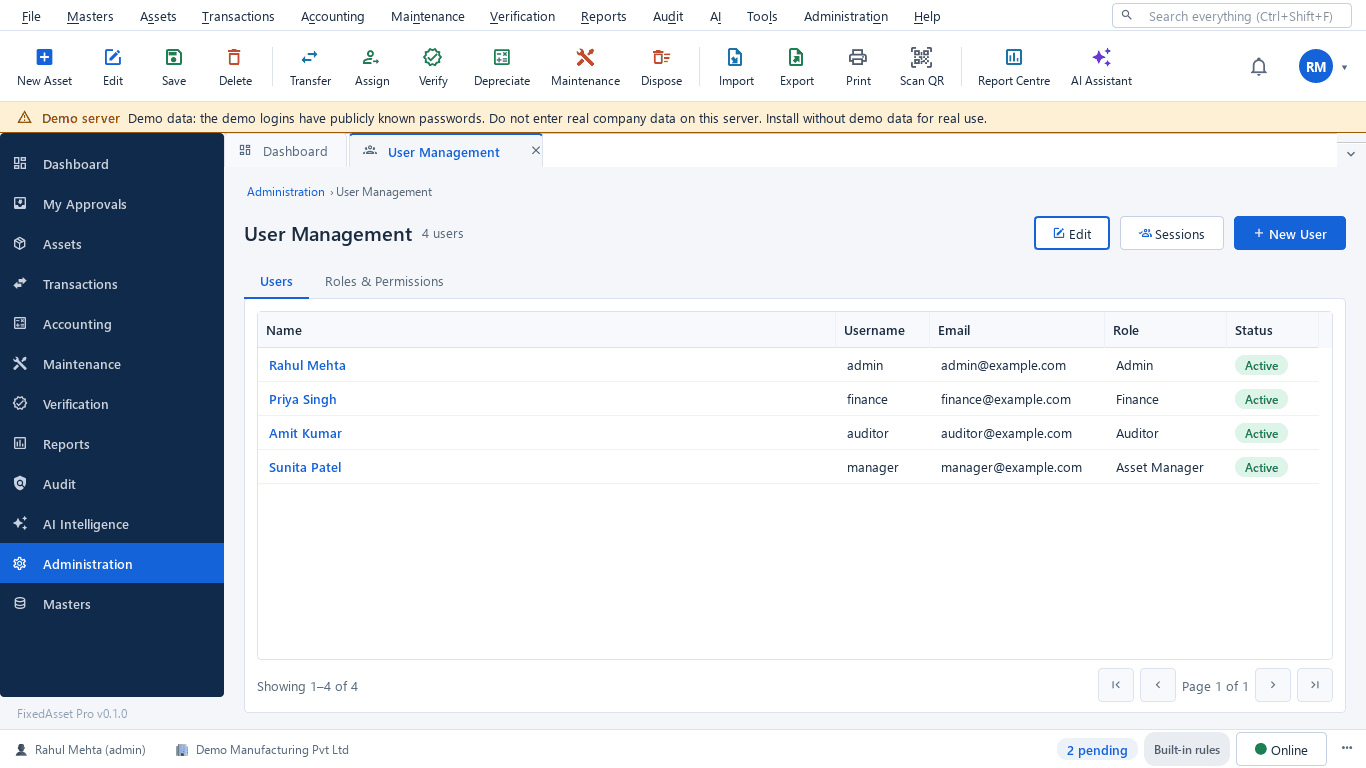
- Who can do what in the application, and is it backed up?
A typical workflow
In order, with the product area behind each step.
Build the device register
Import laptops, desktops, servers and network devices with serials and models; global search finds any serial, invoice or employee.
Fixed Asset ManagementAssign and recover
Assign devices to employees with an acknowledgement; returns go back to store, and an employee's assets are listed in one view.
Asset LifecycleTrack warranty and licences
Warranty alerts at 90, 60, 30 and 7 days with a claims workflow; software licences and permits with their expiry dates.
Maintenance & AMCKeep locations true
Location labels and verification campaigns by office or server room confirm devices are where the register says.
Physical VerificationControl access
Roles and permissions scoped by company and branch, multi-factor authentication, LDAP / Active Directory and OpenID Connect sign-in.
Audit & ComplianceAdminister the application
Users, roles, backups and restores; on the desktop edition, the server PC, its clients on the LAN and encrypted backups are yours to manage.
Fixed Asset Management
Outcomes the platform is designed to support
Outcomes depend on how your organisation uses the product; we do not promise savings or percentages.
One device list for IT and finance
The register IT maintains is the register finance depreciates, so counts and values agree.
Cleaner joiners and leavers
An employee's assigned devices are listed in one place, so a leaver's return can be checked item by item.
No silent warranty lapses
Alerts arrive before cover ends, while a claim or an extension is still possible.
Reviewable access
Access reviews, login history and the user-access report show who can do what, for your own security reviews.
Reports this role opens most
- Assets by Employee (Custodian)
- Employee Asset Acknowledgement
- Warranty Expiry
- Warranty Register
- Assets by Location
- Login History
- Failed and Blocked Sign-ins
- User Access Report
Frequently asked questions
Can it discover devices on our network automatically?
No. It is an asset register, not a network discovery tool. Devices are imported from a file or entered, and verification campaigns confirm them physically.
What does the desktop edition need?
A Windows 10 or 11 64-bit server or single PC with 4 CPU cores, 8 GB RAM, an SSD and 20 GB free disk; clients connect over TCP port 8765. The database is included. See Downloads.
Does it support single sign-on?
LDAP / Active Directory and OpenID Connect single sign-on are implemented, with multi-factor authentication. Confirm your identity provider during setup.
How are backups handled?
On the web edition hosting and backups are handled for you. On the desktop edition, encrypted backups and restores are run from the application to a location you choose.
Relevant guides and articles
The audit trail rule and your fixed asset register
Since 1 April 2023, companies keeping books in accounting software must use software with an audit trail that cannot be disabled, and auditors report on it under Rule 11(g). What that means for the system that holds your fixed assets.
Moving assets between locations, branches and companies without losing the trail
A transfer looks like a change of location in the register. Depending on where the asset goes, it can also be a GST supply, a disposal by one company and an acquisition by another, and a gap in your verification. A practical guide.
Tagging the awkward ones: a field guide for assets that resist a label
Laptops and chairs are easy. Hot machines, sterilised equipment, vehicles, moulds at a vendor's site and land are not. A practical, asset-by-asset guide to tagging and verifying what does not take a sticker well.





Put your device list on one register
Start a free trial and import your device inventory, or book a demo with your IT and security questions.