Integrations
FixedAsset Pro posts journals to your accounting system and reads ledgers, vendors and balances back for reconciliation. It never creates ledgers in your accounting system.
- Available
- Planned
- Custom via API
Integrations
Connectors are labelled available only where a supported integration exists in the product today.
ERP
- SAP S/4HANAAvailable
- SAP Business OneAvailable
- Oracle Fusion CloudAvailable
- Microsoft Dynamics 365 Business CentralAvailable
- Microsoft Dynamics 365 Finance & OperationsAvailable
- Other ERPCustom via API
Accounting
- Tally (TallyPrime / ERP 9)Available
- Zoho BooksAvailable
- QuickBooks OnlineAvailable
- Other accounting softwareCustom via API
Procurement
- Built-in procurement chainAvailable
- PO and invoice references from your ERPAvailable
- External e-procurement platformsCustom via API
HRMS
- Employee and department import (Excel / CSV)Available
- HRMS connectorsPlanned
Identity providers
- LDAP / Active DirectoryAvailable
- OpenID Connect single sign-onAvailable
- Multi-factor authenticationAvailable
Document storage
- Evidence vault (built in)Available
- External document storage connectorsPlanned
Reporting systems
- PDF, Excel, CSV and Word exportAvailable
- Signed webhooksAvailable
- BI tool connectorsCustom via API
API integration
- REST API (/api/v1)Available
- API keys and service usersAvailable
- WebhooksAvailable
How connections work
- Connections are set up by an administrator with Integration.Manage; secrets are write-only and stored encrypted.
- Journals are queued in an outbox with retries; validation failures go to an error queue you can retry, mark posted or discard.
- Every call is logged with redacted excerpts, and reconciliation compares what was posted with what the ERP holds.
- Value maps translate your ledger names, cost centres, tax codes and voucher types.
GL import without a connector
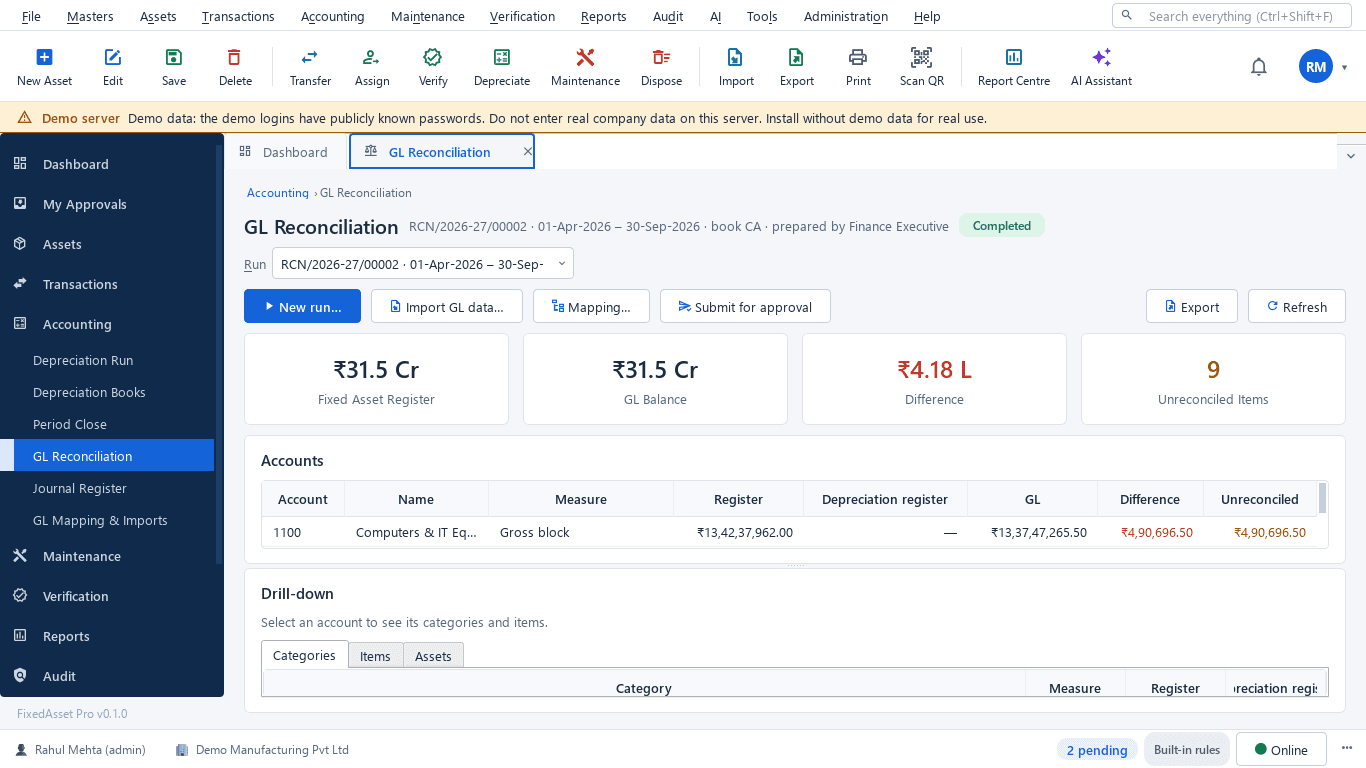
Import a trial balance and ledger entries from a file, then reconcile the register, the GL and depreciation with drill-down to the asset. No connector is needed for the reconciliation itself.