
Keep assets running, with contracts and cover on the same record.
Breakdowns and work orders, preventive schedules by time or meter, AMC contracts with SLA and visits, warranty claims, insurance policies and claims, calibration with tolerance checks, spare parts at moving-average cost.
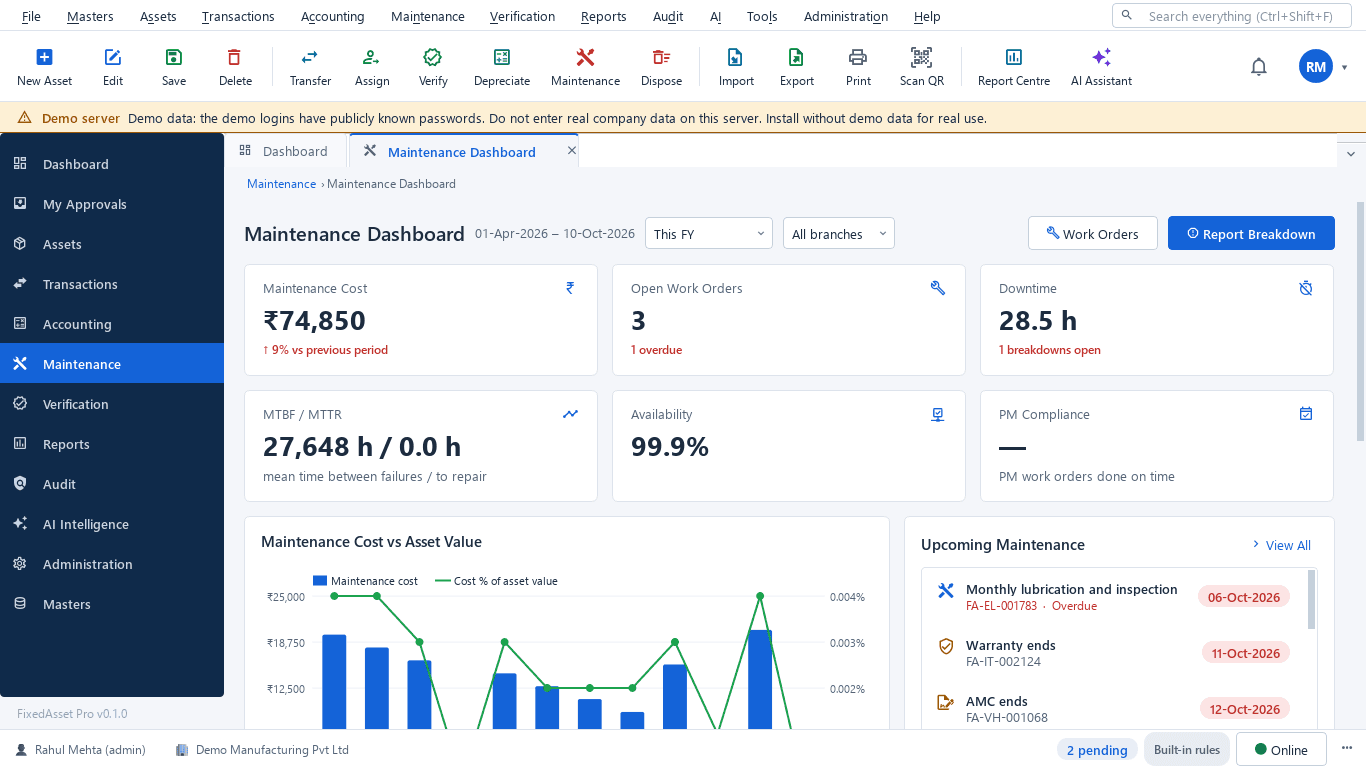
What you get
Work orders
Report a breakdown from the register, the dashboard or a scanned tag. Start, hold, resume, complete and close with costs and parts. The warranty or AMC cover of the asset is shown on every work order.
Preventive maintenance
Schedules by time or meter reading; work orders are raised automatically when a schedule falls due.
Downtime and availability
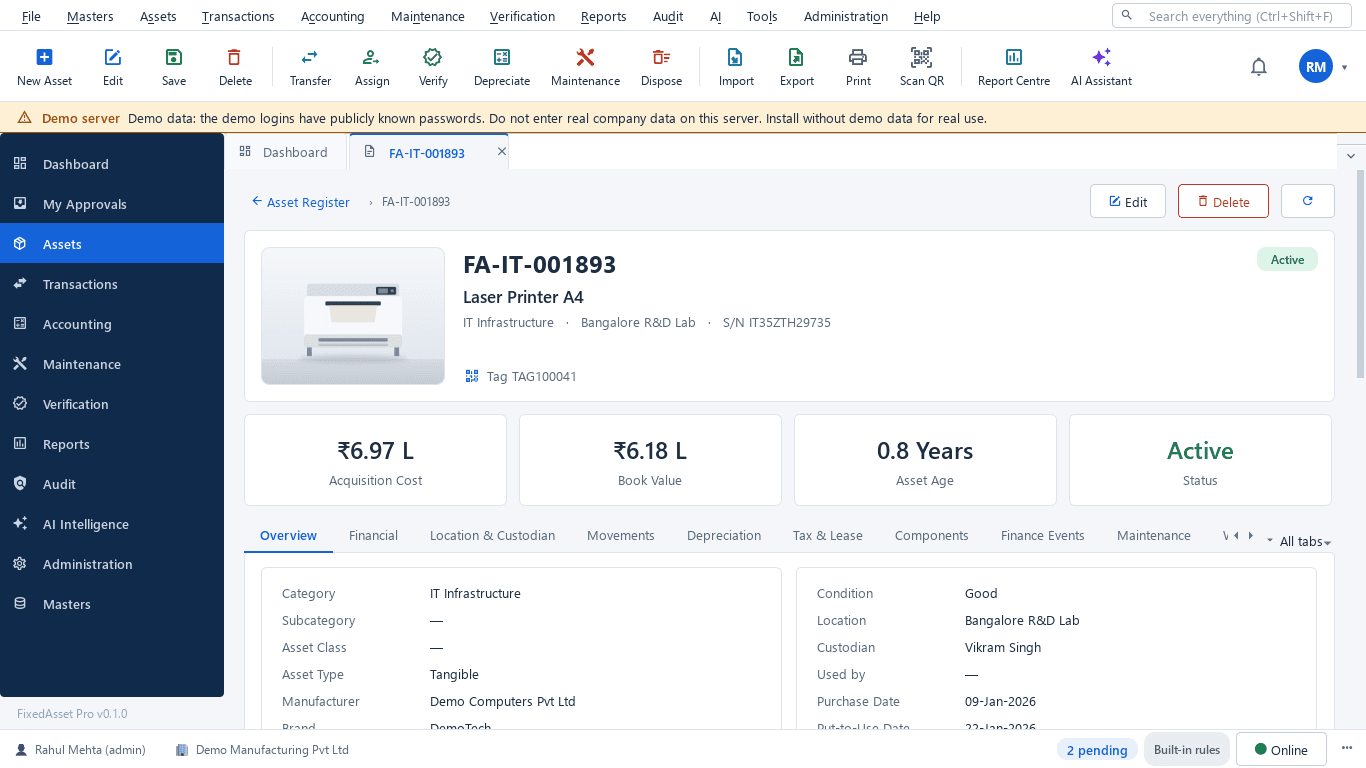
Downtime per asset, MTBF and MTTR, availability and PM compliance on the dashboard and in reports.
AMC contracts
SLA, covered assets, planned and missed visits, renewal alerts, and the contract shown on the work orders it covers.
Warranty
Expiry alerts at 90, 60, 30 and 7 days, a claims workflow, and a warranty report for every asset still covered or just out of cover.
Insurance
Policies, endorsements and claims; a coverage-gap report lists uninsured and under-insured assets.
Calibration
Calibration records with tolerance checks and a second-person approval, for instruments that need a traceable result.
Spare parts, licences and permits
Spare parts issued to work orders at moving-average cost; software licences and permits with their expiry dates.
How it works
From a reported breakdown or a due schedule to a closed work order and a KPI.
Report
A breakdown is reported from the register, a dashboard tile or a scanned tag; a schedule falls due.
Raise the work order
Priority, technician or vendor, and the cover already on the asset.
Check cover
Warranty or AMC: claim it, or book the visit under the contract.
Execute
Parts, labour and cost are recorded; downtime is counted while the asset is out.
Close
Completion, cost to the asset's maintenance history, calibration result if any.
Review
MTBF / MTTR, PM compliance and high-cost assets feed the replacement review.
In the product
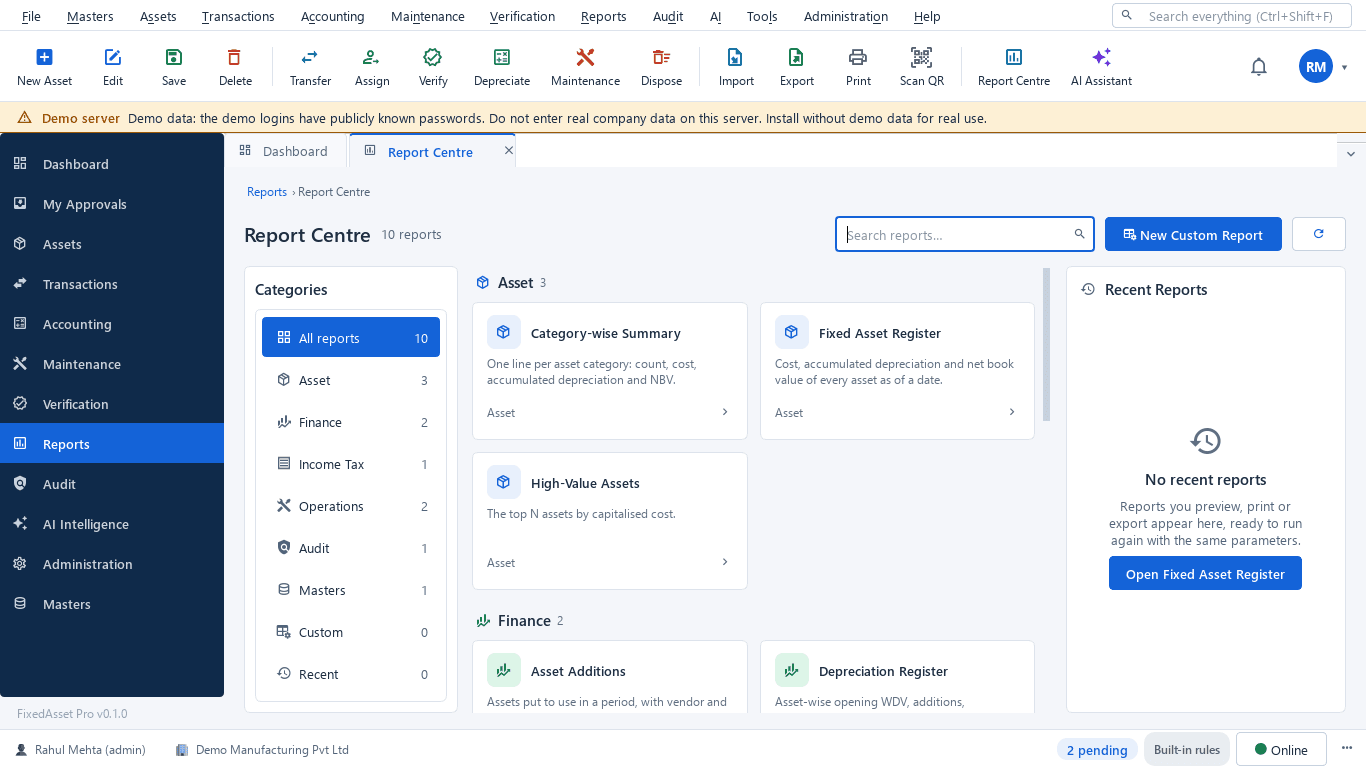
Real screens of the desktop edition, captured on a demo server. The web edition runs the same backend rules in the browser.
Web and desktop
Which edition has it today. One backend, the same depreciation engine, approval chains and audit trail on every surface.
Web app
AvailableWork orders, preventive schedules, AMC, warranty, insurance, calibration, spare parts and licences.
Desktop app
AvailableThe same modules on Windows, including breakdown reporting from a scanned tag.
Mobile app
AvailableReport breakdowns and update work orders from the field, for web edition users.
Works with
Where this feature connects to the rest of the platform, and who uses it most.
Frequently asked questions
When are we warned about a warranty or contract expiring?
At 90, 60, 30 and 7 days before expiry, in the application and by e-mail according to each user's notification settings.
Does a work order know whether the asset is covered?
Yes. The warranty or AMC cover of the asset is shown on the work order, so a claim or a contract visit is used before anyone pays for a repair.
Can we track calibration?
Yes. Calibration records keep the measured values against tolerance, and the result needs a second person's approval before it counts.
Where do maintenance costs end up?
On the asset's maintenance history, in the cost and downtime KPIs, and in the replacement review that lists assets costly to keep.
More about Maintenance & AMC
Impairment indicators for fixed assets: a practical year-end review under Ind AS 36 and AS 28
You do not have to test every asset for impairment every year, but you do have to look for indicators at every reporting date. How to run that review, document it, and recognise when a full test is needed.
Tagging the awkward ones: a field guide for assets that resist a label
Laptops and chairs are easy. Hot machines, sterilised equipment, vehicles, moulds at a vendor's site and land are not. A practical, asset-by-asset guide to tagging and verifying what does not take a sticker well.
See it on your own register
Start a free trial of the web edition, or book a demo and we will walk through it with your data. No card is needed to begin.