
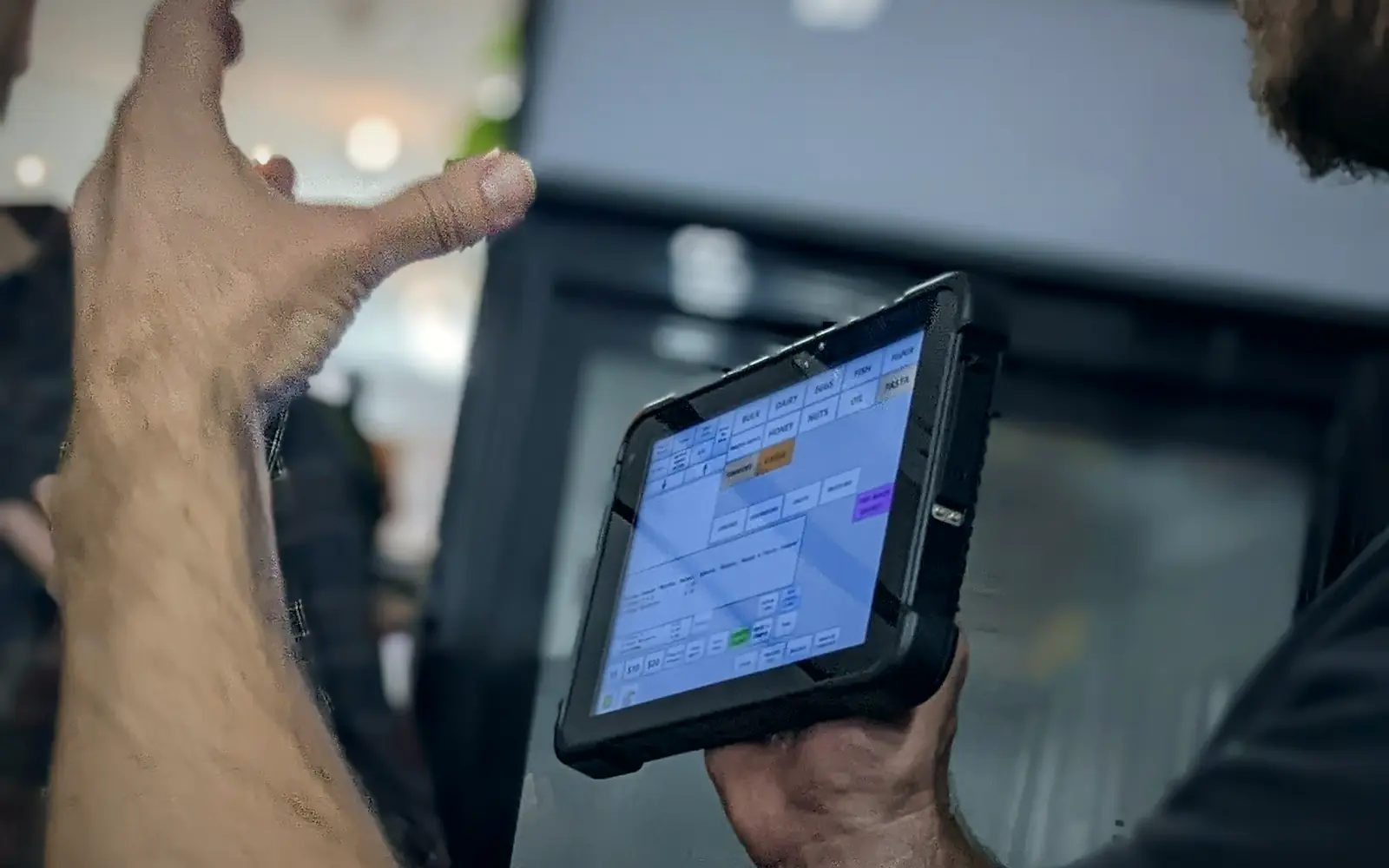
Know where every asset is, who has it and how it got there
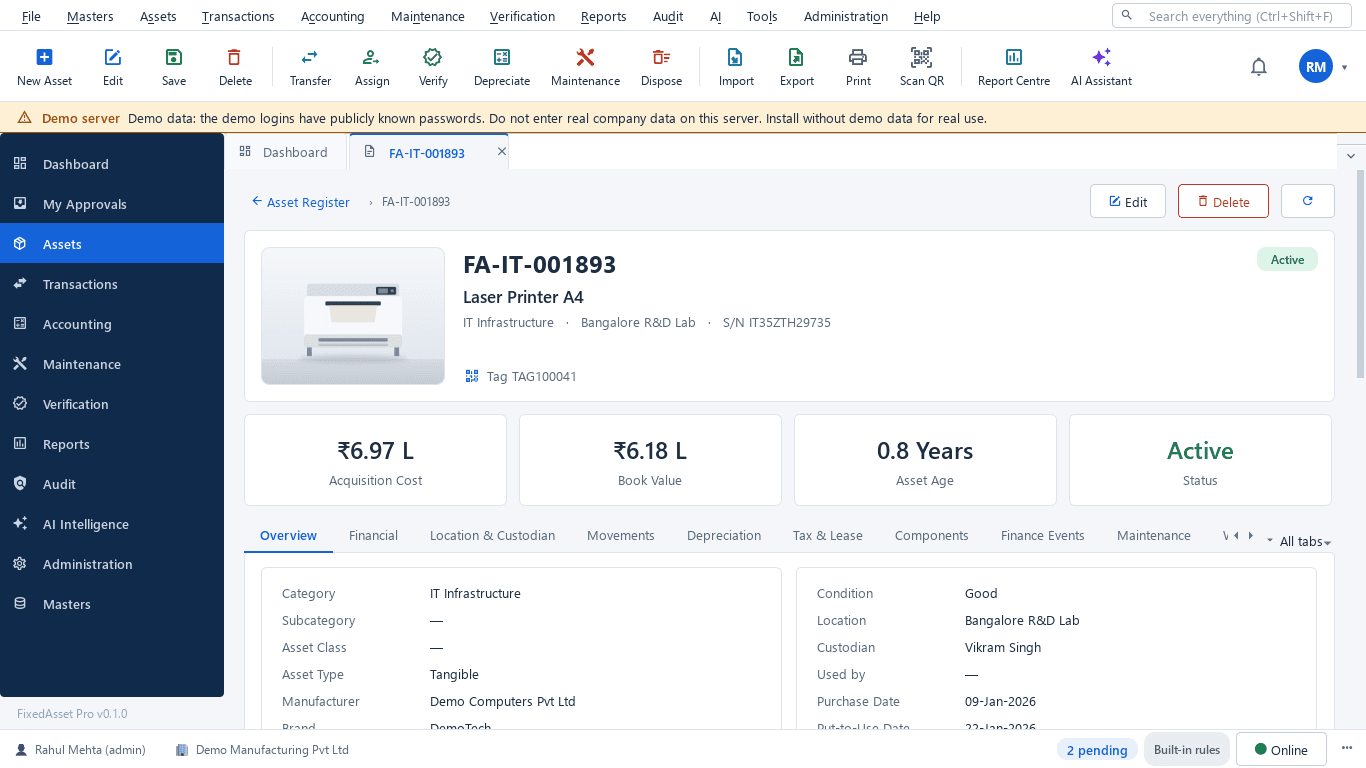
The asset manager keeps the register true to the floor. FixedAsset Pro makes that a set of recorded transactions: registration with a tag, assignment with an acknowledgement, approved transfers and verification with evidence. Location and custodian are never edited in place, so the history always explains the present.
The questions this role asks
- Is every new asset registered, tagged and assigned to someone?
- Who holds this laptop, and since when?
- Which assets moved this month, and who approved it?
- What did the last count find missing or in the wrong place?
- Where are the invoice, the warranty card and the photos for this asset?
A typical workflow
In order, with the product area behind each step.
Register and tag
Create assets one by one, in bulk or by import; generate QR, barcode or Data Matrix labels and print them on your own sheets.
Fixed Asset ManagementAttach the documents
Invoice, warranty, photos and manuals sit on the asset card; document intelligence can read an invoice into a draft asset for a person to confirm.
AI Asset IntelligenceAssign to a custodian
Hand over with a printable acknowledgement; employees confirm the assets assigned to them, and returns go back to store.
Asset LifecycleTransfer with approval
Moves between employee, department, location, branch or company go through an approved transfer, including split transfers.
Asset LifecycleVerify
Run a campaign by branch, location and category; scan, record evidence and resolve missing, found-elsewhere and mismatch queues.
Physical VerificationRead the history
The asset's lifecycle timeline shows every event with who, when and why, and every document number opens the document.
Fixed Asset Management
Outcomes the platform is designed to support
Outcomes depend on how your organisation uses the product; we do not promise savings or percentages.
A register that matches the floor
Because moves are transactions, the register changes when the asset moves, not when someone remembers to update a cell.
Accountable custody
Every assignment has an acknowledgement and every custodian can confirm what they hold.
Faster verification
Counts start from a scoped campaign and end in reconciliation queues, instead of comparing printouts by hand.
Complete records
Data-quality scans list assets without an invoice, vendor, location or custodian, so gaps are fixed before the audit.
Reports this role opens most
- Fixed Asset Register
- Assets by Location
- Assets by Employee (Custodian)
- Employee Asset Acknowledgement
- Asset Movement
- Asset History
- Incomplete Asset Records
- Missing and Damaged Assets
Frequently asked questions
Why can't I just edit an asset's location?
Location, custodian and tag are locked once in use so that the register never loses how an asset got where it is. A transfer or assignment records the move with its approval.
Can we use our existing asset codes and labels?
Yes. Import your existing codes and tag numbers, generate tags only for assets that have none, and reprint or replace labels with the tag history kept.
What scanners work?
Any USB barcode scanner, a webcam or manual entry. Count sheets can also be printed or exported to Excel and imported back.
Can employees see their own assets?
Yes, on the web edition employees confirm their assets, request a transfer and report a loss with evidence. On the desktop edition self-service is limited to confirming assets.
Relevant guides and articles
Moving assets between locations, branches and companies without losing the trail
A transfer looks like a change of location in the register. Depending on where the asset goes, it can also be a GST supply, a disposal by one company and an acquisition by another, and a gap in your verification. A practical guide.
Tagging the awkward ones: a field guide for assets that resist a label
Laptops and chairs are easy. Hot machines, sterilised equipment, vehicles, moulds at a vendor's site and land are not. A practical, asset-by-asset guide to tagging and verifying what does not take a sticker well.





Tag, assign and verify on your own register
Start a free trial and import your asset list, or book a demo and bring your last verification report.