
Downloads
Installers and apps published for FixedAsset Pro. Every file shows its SHA-256 checksum so you can verify it.
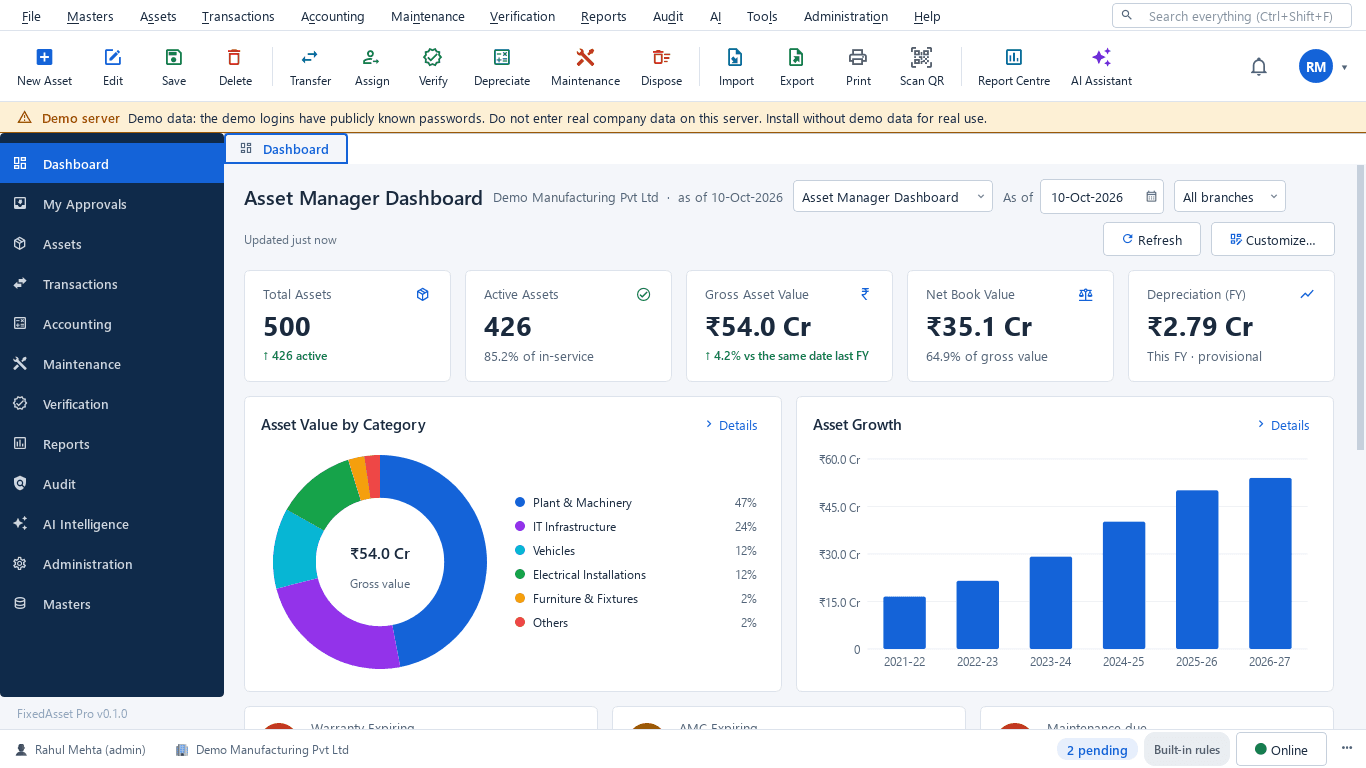
FixedAsset Pro Desktop
Version 0.9.2 · Single computer, LAN server and LAN client in one setup
- FixedAssetPro-Setup-0.9.2.exe
Web and mobile apps
Nothing to install for the web application; the mobile app is on Google Play and the App Store. The mobile app for Android and iOS works with your web edition account: scan tags, count offline and approve on the go.
Release notes
Release notes are published with each approved release and shown with its download above.
System requirements and supported operating systems
Supported systems: Windows 10 and Windows 11, 64-bit. Server or single computer and client PCs use the same installer family.
| Server or single computer | Windows 10 or 11, 64-bit · 4 CPU cores · 8 GB RAM · SSD · 20 GB free disk · administrator rights to install |
|---|---|
| Client PC | Windows 10 or 11, 64-bit · administrator rights to install · network access to the server PC on TCP port 8765 |
| Local AI (optional) | A CPU with AVX2, 8 GB RAM or more, 3 GB extra free disk; no graphics card needed. Without it, the assistant uses built-in rules. |
| Database | Included and installed by setup; no separate database installation and no database password on client PCs. |
| Backup location | A folder on another PC or a NAS, with a backup passphrase of at least 12 characters; never keep the only backup on the server PC. |
Installation guide
The full installation guide ships with the installer. In short:
- Run the Server setup as administrator; choose Single Computer or LAN Server, the program folder and the data locations.
- Enter the off-machine backup folder and passphrase; setup prepares the database and the server's security certificate.
- Open Server Manager, check the service is running, run Back up now and a Restore test before entering real data.
- On each client PC run the Client setup with the server address and certificate fingerprint; a connection test is mandatory.
- Sign in as the first administrator and create your real company: no demo data.
Upgrade and rollback
- Updates keep your data in place; back up first (Server Manager → Backup → Back up now).
- Install the new Server setup on the server PC first, then the Client setup on each client; a client must match the server's major version.
- A guarded restore can be rolled back within 7 days if an upgrade or a restore turns out wrong.
- Deprecated releases stay listed for reference; a release marked Required update must be installed before clients can connect.
Checksums and verified packages
A SHA-256 checksum is published with each release, next to each file above. Compare it with the checksum of the file you downloaded; the signature line shows who signed the package.
- certutil -hashfile FixedAssetPro-Setup.exe SHA256
- Get-FileHash .\FixedAssetPro-Setup.exe -Algorithm SHA256