
Web, Desktop and Combined Deployment
One asset register, three ways to work with it. The same depreciation engine, approval chains, audit trail and AI governance on every platform.
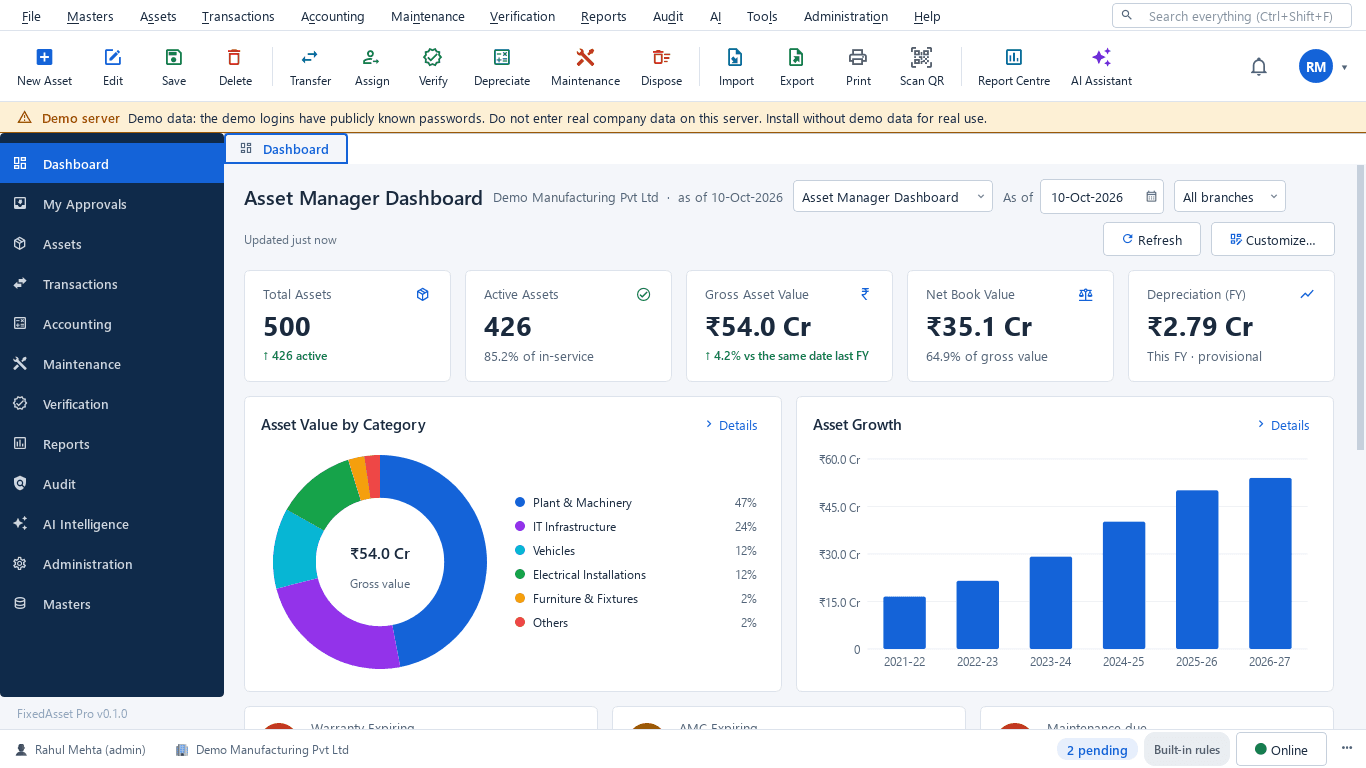
| Capability | Web application | Desktop application |
|---|---|---|
| Access | Supported browser; remote access depends on your deployment and network policy. | Installed Windows client; connects to the LAN server, or runs stand-alone on a single PC. |
| Best fit | Cross-location access, approvals, browser workflows and administration. | High-frequency data entry, keyboard-oriented workflows, label printing and scanning, controlled LAN deployments. |
| Updates | Server-side releases deployed centrally through a controlled release process. | Signed installer packages with release notes, checksums and version compatibility; updates keep your data in place. |
| Offline | Needs the internet; limited offline behaviour only where safe and implemented. | Works on the office network without the internet; counting with a USB scanner, webcam or count sheets. |
| Data consistency | Uses the authoritative backend records of your organisation in our cloud. | The same backend, rules and audit trail, running on your own server PC. |
| Where data lives | Our cloud, isolated per organisation. | Your server PC, with encrypted off-machine backups. |
| AI | Built-in rules and the platform's AI services, logged and governed. | Local AI model on your server; cloud AI off by default. |
What the editions share
Desktop, web and the mobile app are clients of the same backend services and the same business rules, so there is no second asset database to reconcile.
- One API (/api/v1) serves every client; the desktop LAN server is that same backend on your hardware.
- Depreciation, approvals, verification and the sealed audit trail behave identically in every client.
- The mobile app signs in with the web account and roles; counts made offline sync later and never overwrite a newer record.
- A LAN installation and the cloud service are separate installations today: hybrid operation between them is not available and is not implied.
What each platform covers
| Module | Desktop | Web | Mobile |
|---|---|---|---|
| Asset register, asset card, tags & labels, import | Yes | Yes | Scan & look up |
| Acquisition, capitalisation, transfer, assignment, disposal | Yes | Yes | Approvals |
| Depreciation books, GL mapping & reconciliation | Yes | Yes | n/a |
| Procurement: requests, quotations, PO, GRN, inspection | Partial | Yes | n/a |
| Maintenance, AMC, warranty, insurance, calibration | Yes | Yes | Work orders |
| Physical verification campaigns & counting | Yes | Yes | Offline counting |
| Audit cockpit, evidence vault, exceptions, audit trail | Yes | Yes | n/a |
| AI Assistant, Document Intelligence, risk & replacement | Yes | Yes | n/a |
| Employee self-service (my assets, requests) | Confirm only | Yes | Yes |
| Notifications | In-app, e-mail | In-app, e-mail | Push |
| Data location | Your server PC | Our cloud | Our cloud |
The mobile app works with web edition accounts. Desktop (LAN) installations count with a USB scanner, a webcam or count sheets.