
Spreadsheet register vs FixedAsset Pro
Spreadsheets are where most fixed asset registers start. This is an honest look at what changes when the register, both depreciation books and verification live in one system.
Capability comparison
Bringing in the existing register
It is already there, in whatever shape it has grown into.
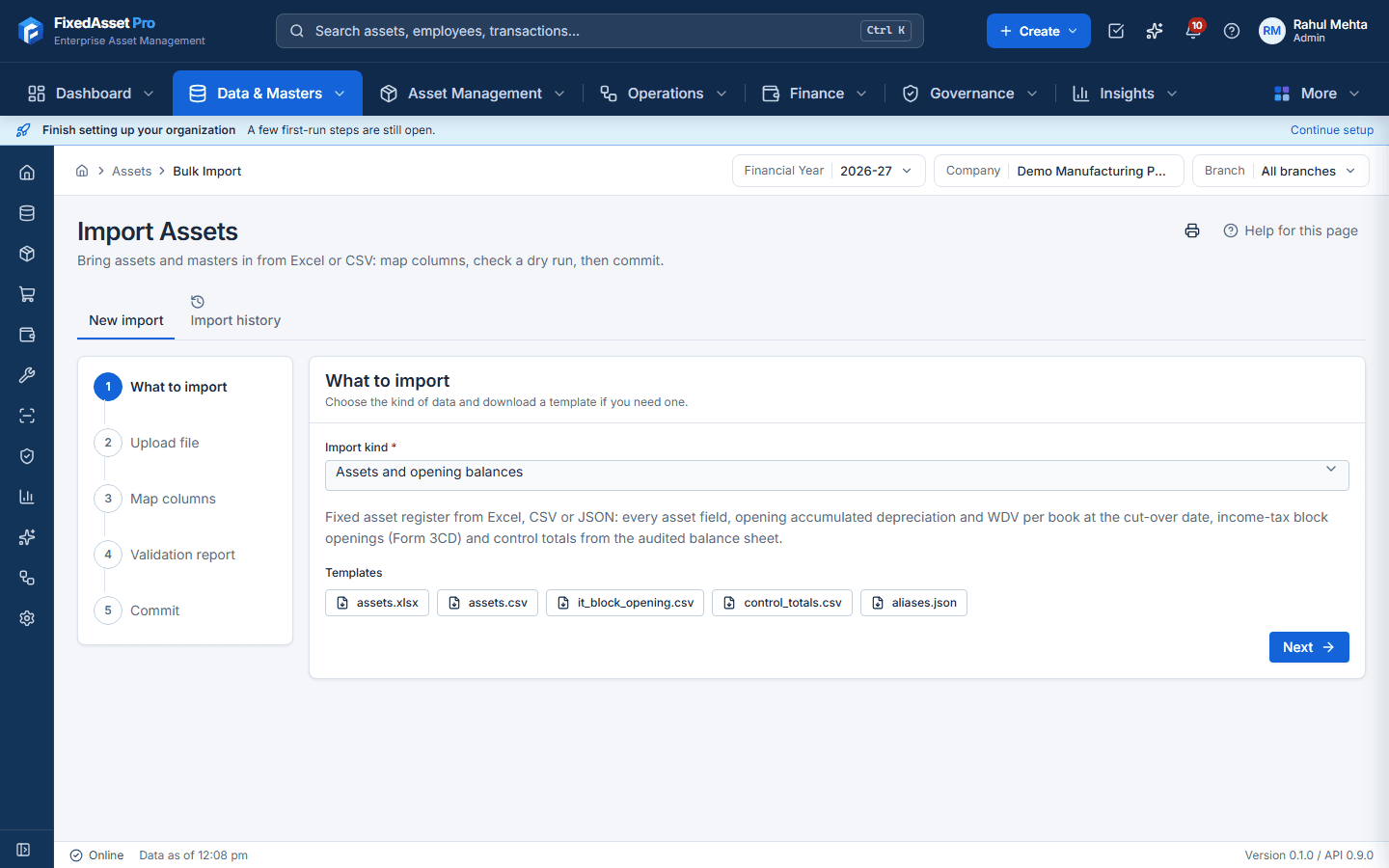
Import from Excel, CSV or JSON with a column-mapping wizard; a dry run lists every problem row and the commit is all-or-nothing. Details
Companies Act depreciation
Formulas you write and maintain; pro-rata, residual floors and end-of-life need care in every row.
Schedule II reference data, SLM or WDV by policy, day-based pro-rata, worked out for every asset. Details
Income-tax depreciation
Usually a separate block working, kept in step with the register by hand.
A second book on the same asset: s.32 blocks, the 180-day rule, additional depreciation and s.50. Details
How a figure was reached
Trace the formula cell by cell.
Explain on any depreciation line shows the inputs, method, rate, days counted and rounding. Details
Change of useful life or estimate
Overwrite the cell; history is lost unless someone keeps a copy.
Recorded as an event with a reason; earlier periods are not recalculated or rewritten. Details
Who changed what, and when
Version history at best, and it can be switched off or the file copied.
Every change logged with who, when, old value, new value and reason; auditing cannot be switched off. Details
Closing a period
Protect the sheet, or rely on discipline.
Period close with a checklist; back-dated transactions in a closed period are blocked, and reopening needs permission and a note. Details
Transfers and custodians
Edit the location column.
Changes go through a transfer or assignment with your approval chain; the previous state stays on the asset's timeline. Details
Asset labels
Build labels separately in another tool.
QR, barcode, Data Matrix and EAN-13 labels printed from the register; RFID EPC codes exported for your printer-encoder. Details
Physical verification
Print the list, tick it, key the results back in.
Campaigns with scanning or count sheets; verified, missing, found-elsewhere and mismatch outcomes; a signed statement for the auditor. Details
Access control
Whoever has the file sees and can change everything.
Role-based access; read-only roles for auditors; amounts hidden from users without finance rights. Details
Journals to accounts
Prepare the entry by hand.
Journals exported, or sent to Tally, Zoho Books or QuickBooks Online through the integrations after you map accounts. Details
| Area | Spreadsheet register | FixedAsset Pro |
|---|---|---|
| Bringing in the existing register | It is already there, in whatever shape it has grown into. | Import from Excel, CSV or JSON with a column-mapping wizard; a dry run lists every problem row and the commit is all-or-nothing. Details |
| Companies Act depreciation | Formulas you write and maintain; pro-rata, residual floors and end-of-life need care in every row. | Schedule II reference data, SLM or WDV by policy, day-based pro-rata, worked out for every asset. Details |
| Income-tax depreciation | Usually a separate block working, kept in step with the register by hand. | A second book on the same asset: s.32 blocks, the 180-day rule, additional depreciation and s.50. Details |
| How a figure was reached | Trace the formula cell by cell. | Explain on any depreciation line shows the inputs, method, rate, days counted and rounding. Details |
| Change of useful life or estimate | Overwrite the cell; history is lost unless someone keeps a copy. | Recorded as an event with a reason; earlier periods are not recalculated or rewritten. Details |
| Who changed what, and when | Version history at best, and it can be switched off or the file copied. | Every change logged with who, when, old value, new value and reason; auditing cannot be switched off. Details |
| Closing a period | Protect the sheet, or rely on discipline. | Period close with a checklist; back-dated transactions in a closed period are blocked, and reopening needs permission and a note. Details |
| Transfers and custodians | Edit the location column. | Changes go through a transfer or assignment with your approval chain; the previous state stays on the asset's timeline. Details |
| Asset labels | Build labels separately in another tool. | QR, barcode, Data Matrix and EAN-13 labels printed from the register; RFID EPC codes exported for your printer-encoder. Details |
| Physical verification | Print the list, tick it, key the results back in. | Campaigns with scanning or count sheets; verified, missing, found-elsewhere and mismatch outcomes; a signed statement for the auditor. Details |
| Access control | Whoever has the file sees and can change everything. | Role-based access; read-only roles for auditors; amounts hidden from users without finance rights. Details |
| Journals to accounts | Prepare the entry by hand. | Journals exported, or sent to Tally, Zoho Books or QuickBooks Online through the integrations after you map accounts. Details |
When a spreadsheet is still fine
- A spreadsheet is free, familiar and flexible, and for a handful of assets it can be enough.
- It works well as a one-off analysis tool and as the starting point for a migration.
- If you stay on a spreadsheet, use our free register template and calculators to keep it consistent.
Moving off the spreadsheet
The move is mostly data preparation: clean the master file, pick a cut-over date, and bring in opening balances for both books tied to your audited figures. The guides below walk through it step by step.
No certification is claimed